> For the complete documentation index, see [llms.txt](https://pingo-work.gitbook.io/pingo/llms.txt). Markdown versions of documentation pages are available by appending `.md` to page URLs; this page is available as [Markdown](https://pingo-work.gitbook.io/pingo/product/pingo-staking.md).
# PinGo Staking
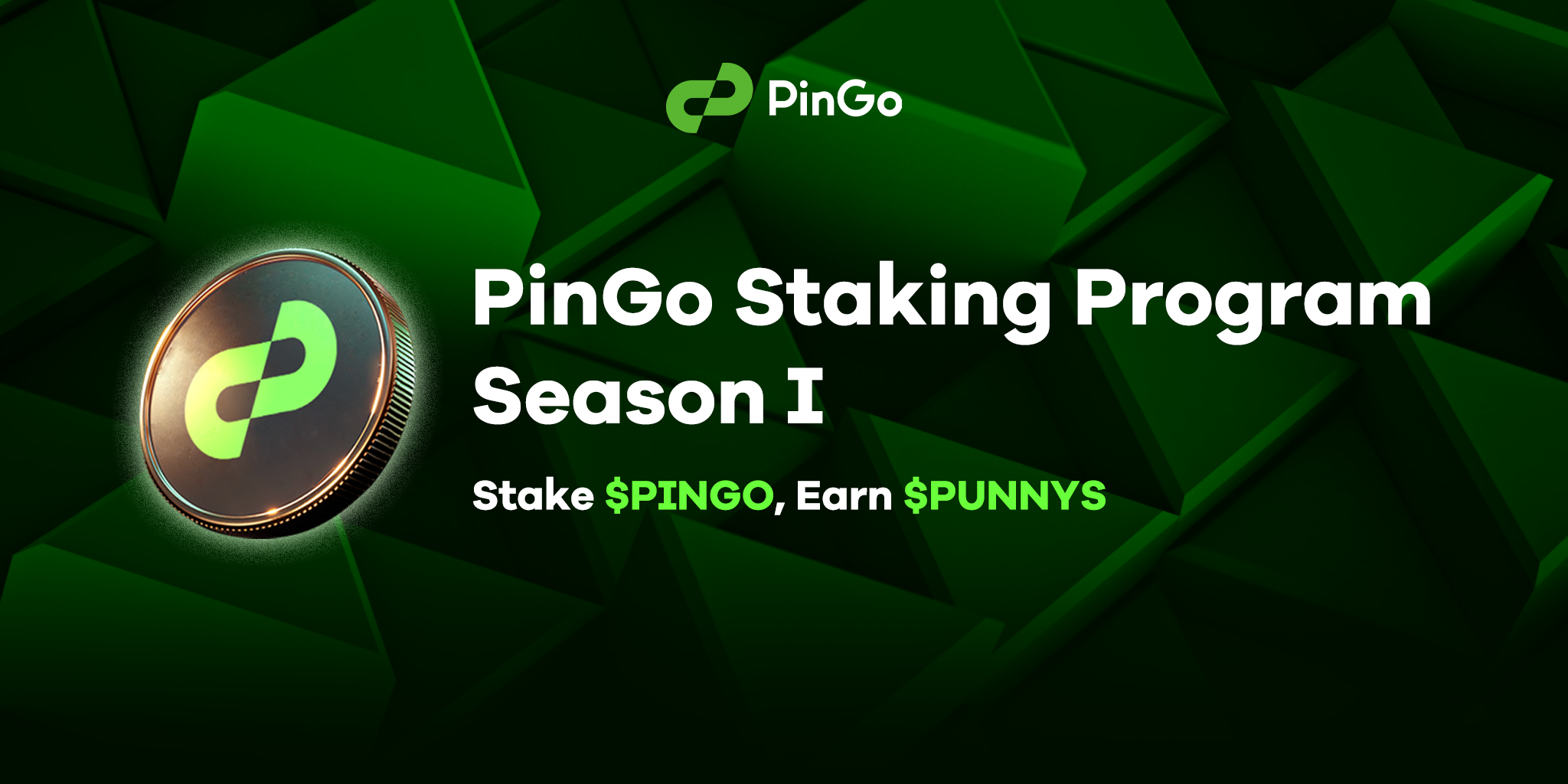
## PinGo Staking Program Season I: Turn Your $PINGO into Passive Income!
What if your $PINGO tokens could do more than sit in your wallet? What if they could work for you, earning rewards while you watch your portfolio grow? Well, the wait is over—PinGo’s Staking Program Season I is here to make that a reality!
### Ready to Earn Big? Let’s Dive In!
At PinGo, we believe your tokens should work as hard as you do. With our new Stake to Earn program, you’re not just holding $PINGO—you’re earning $PUNNYS from it. This week, we’re thrilled to roll out an opportunity that’s too good to pass up.
### What’s in Store?
Here’s everything you need to know about this game-changing staking program:
1. Network: TON
2. Where: Stake directly on the PinGo Site or via our MiniBot
3. Rewards: Stake $PINGO → Earn $PUNNY
4. Unstake: TBA
(NFT Staking will be available in Staking Season II. Stay tuned.)
### Why Stake with PinGo?
* **Turn Idle Tokens into Active Assets**
Instead of letting your $PINGO tokens gather digital dust, staking puts them to work. And the best part? The rewards come in $PUNNY tokens—boosting your earnings and expanding your portfolio.
* **Hign Returns Await**
Got PINGO? Don’t let it sit idle. Stake them and earn $PUNNYS with exceptional returns. It’s the ultimate way to maximize your assets.
* **Get Ahead with Big Rewards**
Stay tuned as we reveal even more rewards, features, and surprises along the way.
### How to Get Started?
1. Head over to the PinGo Site or open our MiniBot.
2. Connect your TON Wallet (make sure you have some TON for gas fees).
3. Input the token amount and confirm the stake.
4. Sit back, relax, and watch your rewards roll in.
Don’t wait— Big rewards and exclusive opportunities are waiting for you.
Let’s stake, earn and grow together with PinGo.